No hand modeling. No bought assets. One afternoon of me reacting to renders in plain words while Claude wrote the code and Blender rendered it on my home GPU. This is how a bent tube with a picture on it turned into a juniper I'd actually post.
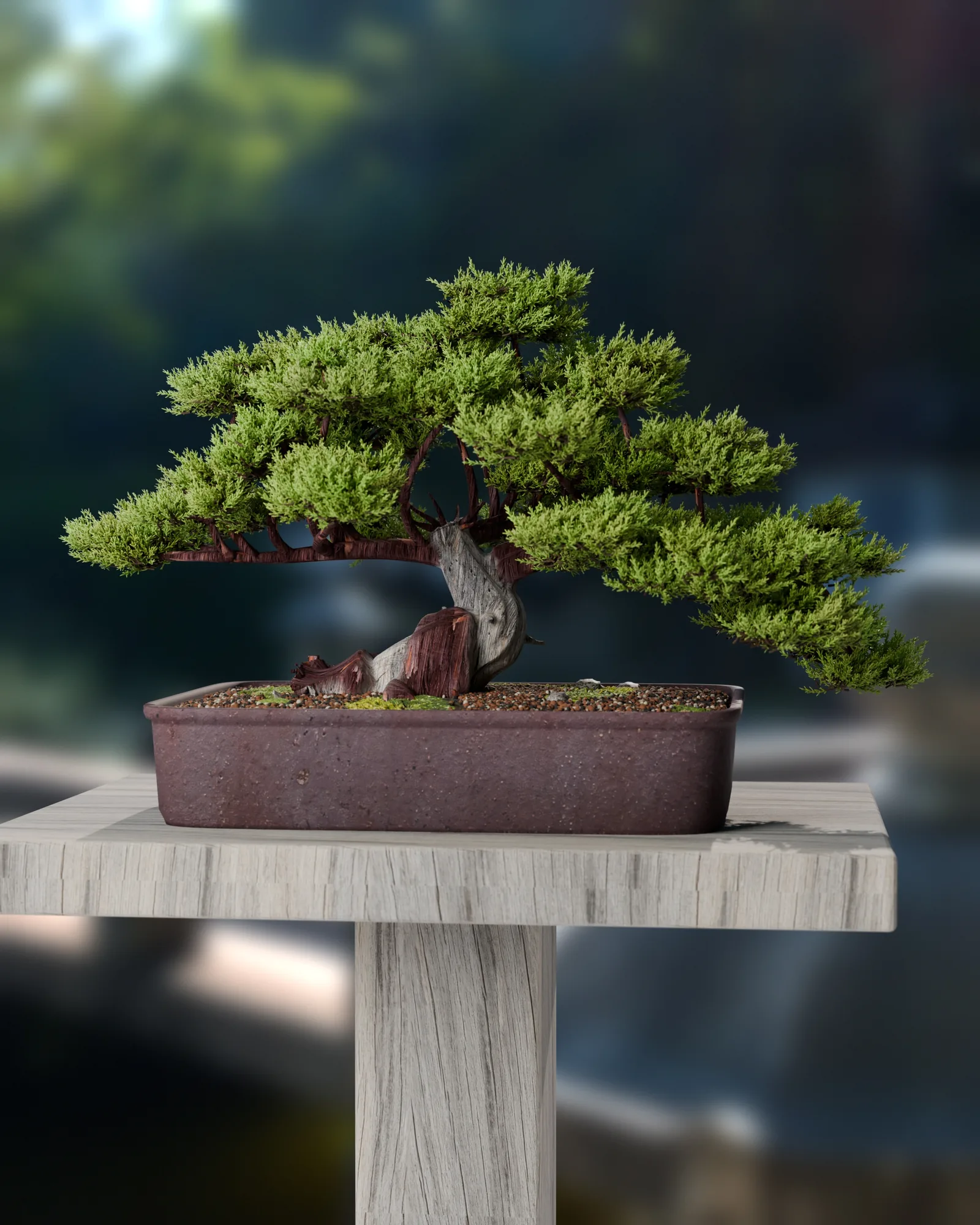

The one idea that mattered
Realism comes from real-looking images, not from patterns written in code.
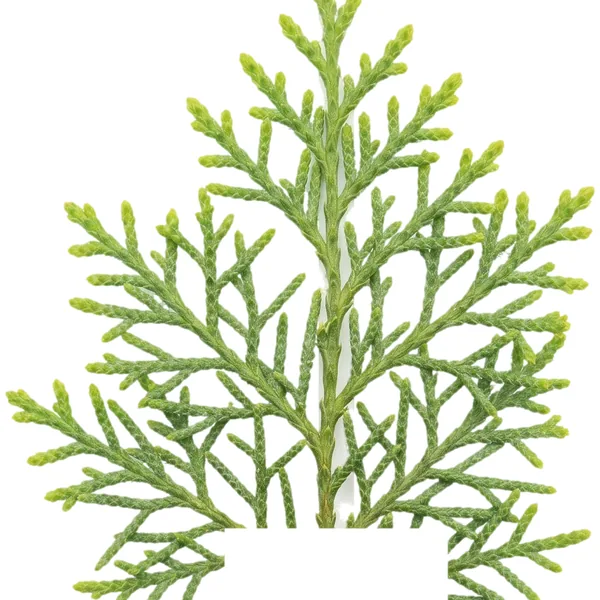
Every time something looked fake, it was because code had drawn a surface: even color, perfect noise, straight lines. Every time it jumped to photoreal, it was because we started from photos instead. Real reference photos go into an image model, which makes the isolated pieces (one sprig on white, a 10 cm square of bark). Code only does what code is good at: structure and variety. Where the branches go, how the canopy sits, how big each piece is.
That's the whole trick. Here's the nine rounds it took to learn it.
Nine rounds
Every quote is exactly what I typed. Each one pointed at one fixable thing.
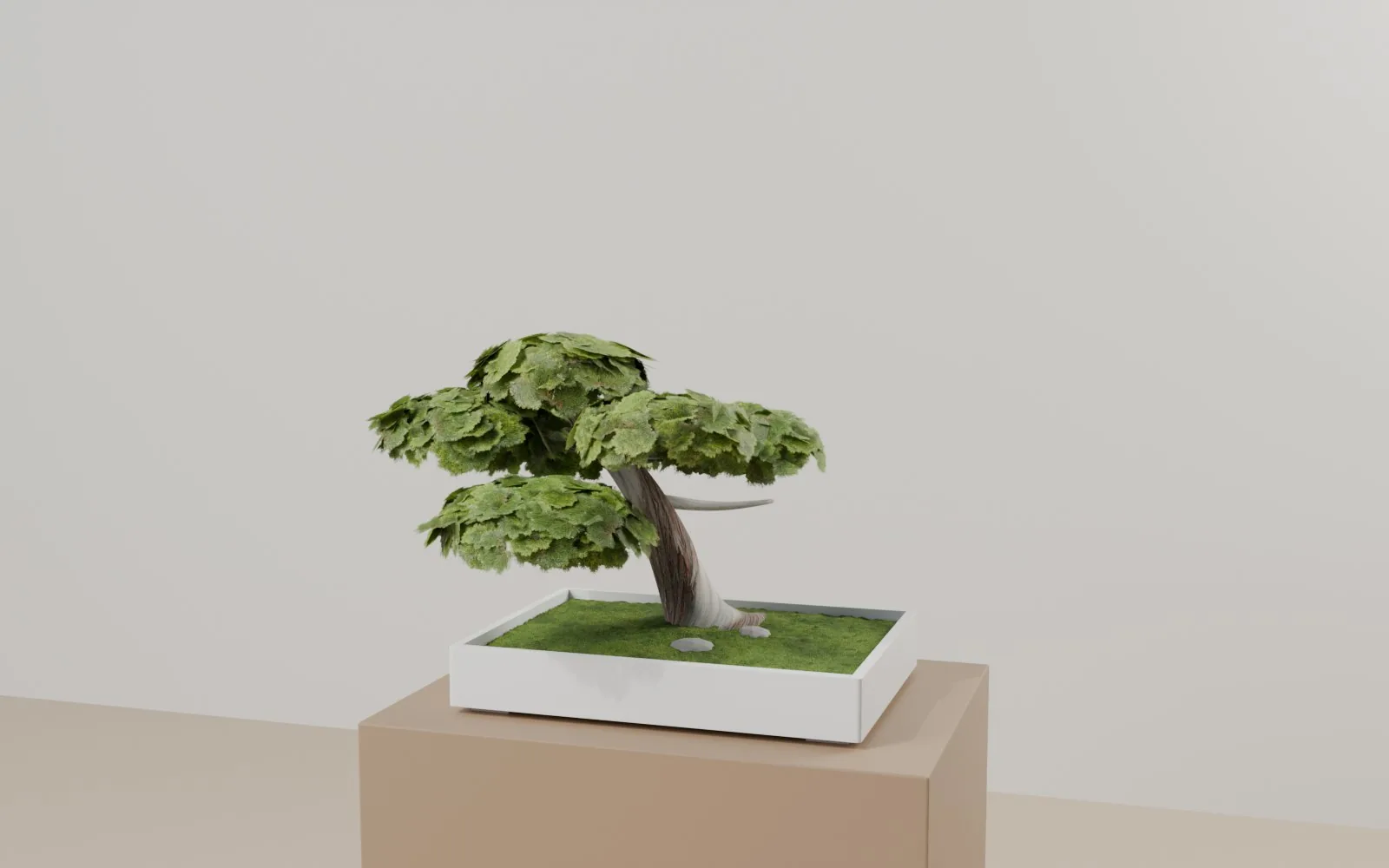
A pipe with a picture on it
"nah looks weird af"
The first pass was a bent tube wrapped in a bark photo, with flat image cards for the leaves. A bonsai's whole character is its wood, and that was the part built purely in code.
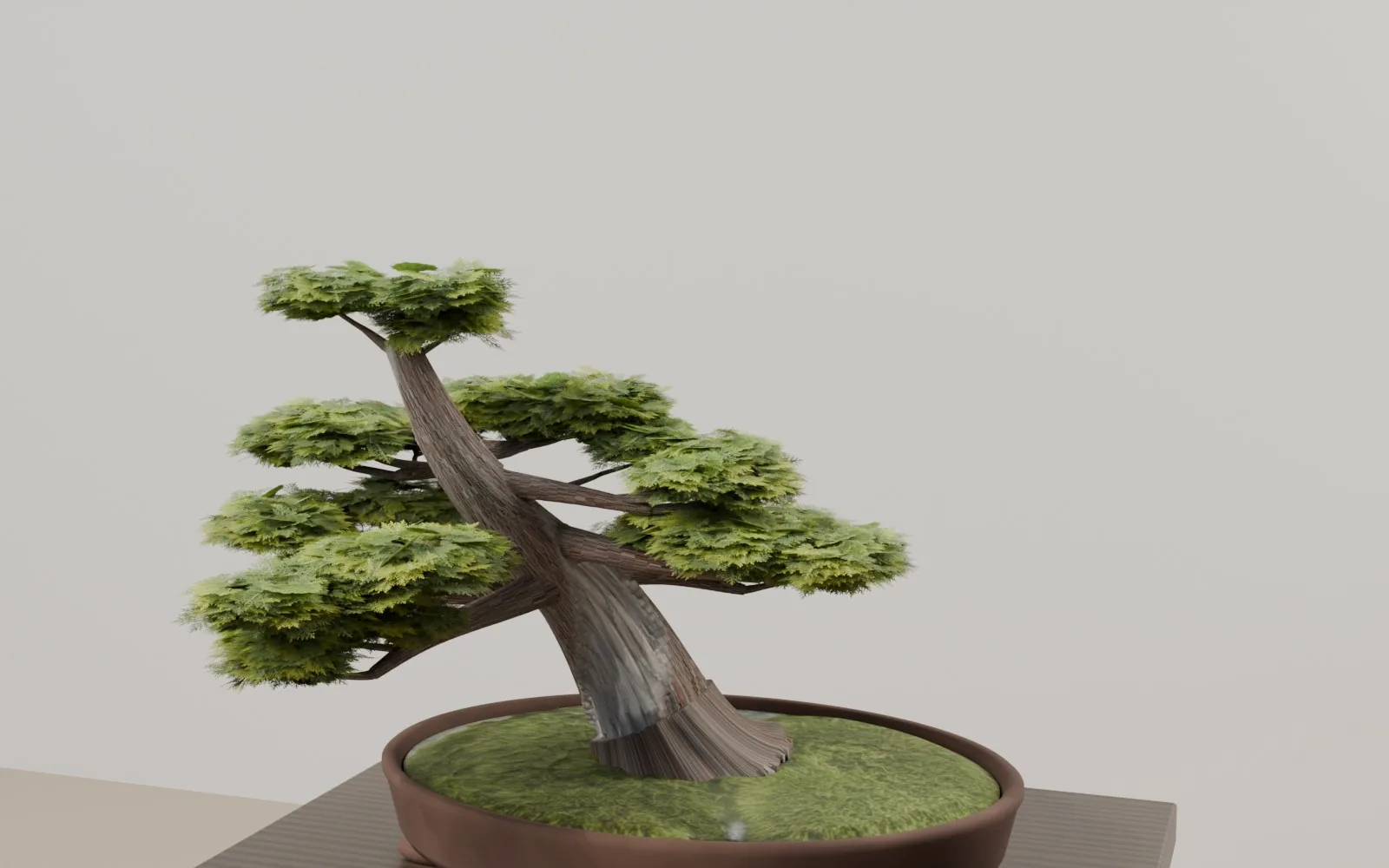
Sculpt the wood
"they look way way better, keep going ... to get perfect"
Trunk, roots and branches became tubes fused into one body with a voxel remesh, then carved: twisting fibre ridges, knots, and the bleached deadwood band sunk in with raised live bark along its edges.
Foliage: stop using cards
"looks like a classic particle scatter ... not natural up close"
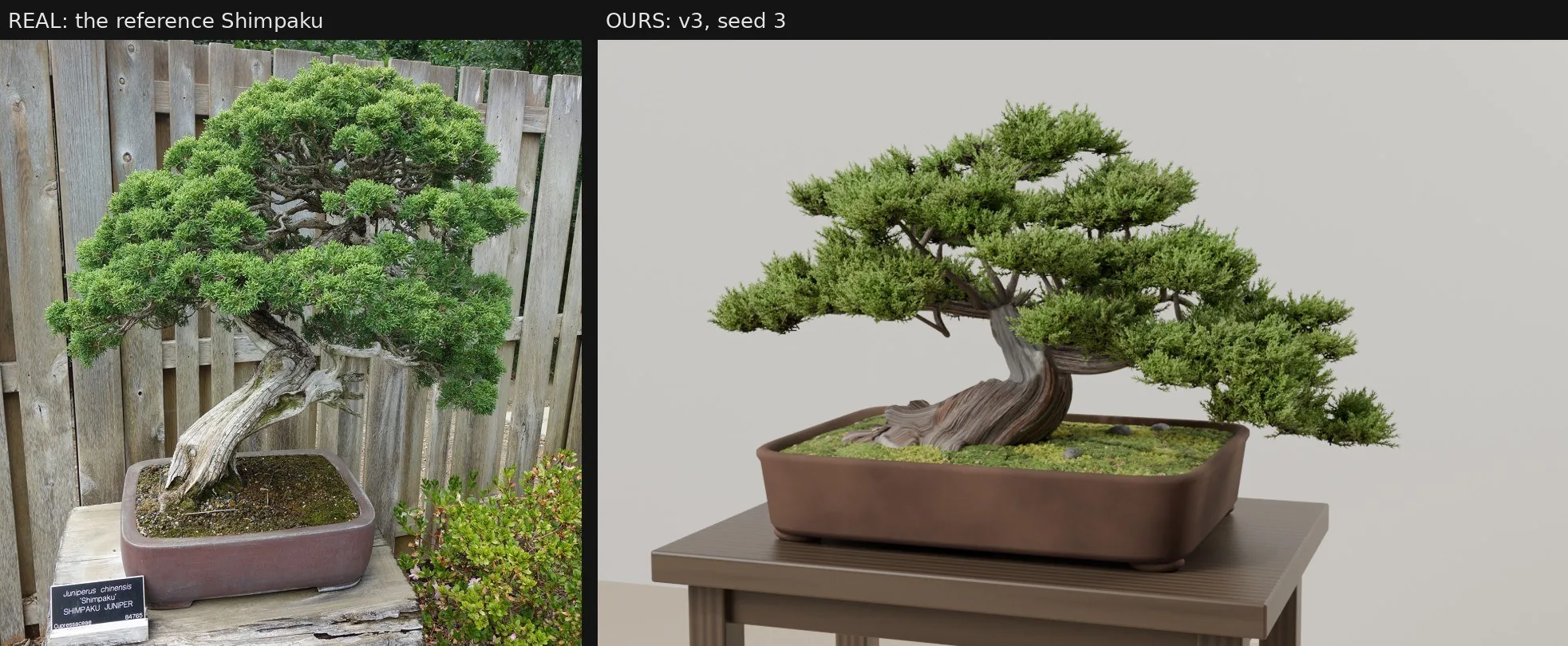
I wasn't sure I was right, so I asked to see a real Shimpaku close-up next to ours. Side by side, it was obvious.
"yeah definitely way off, they are way too just 2D cards"
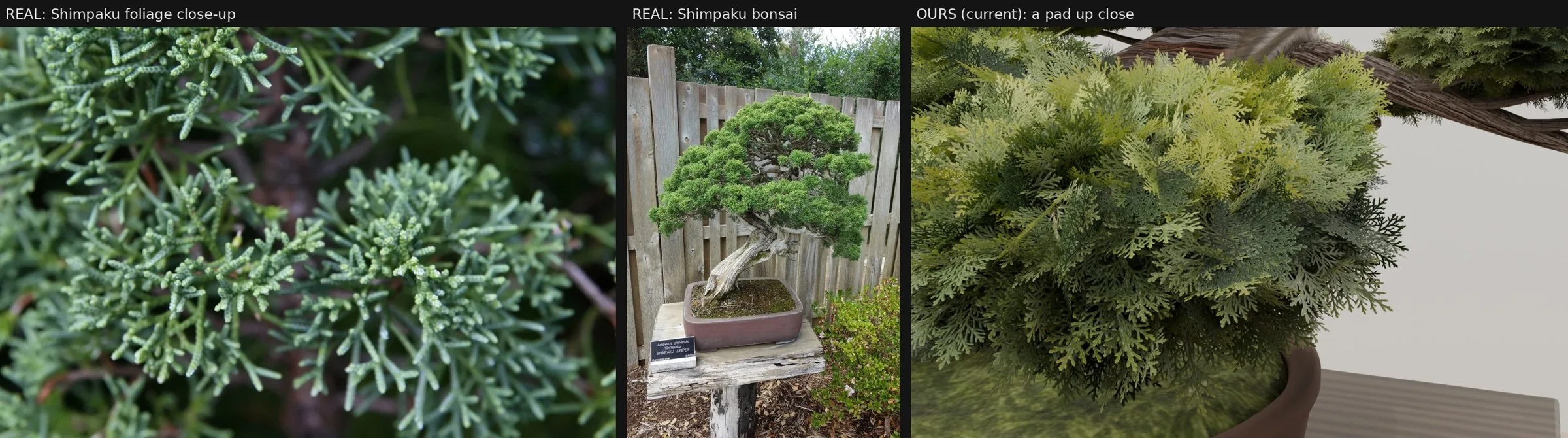
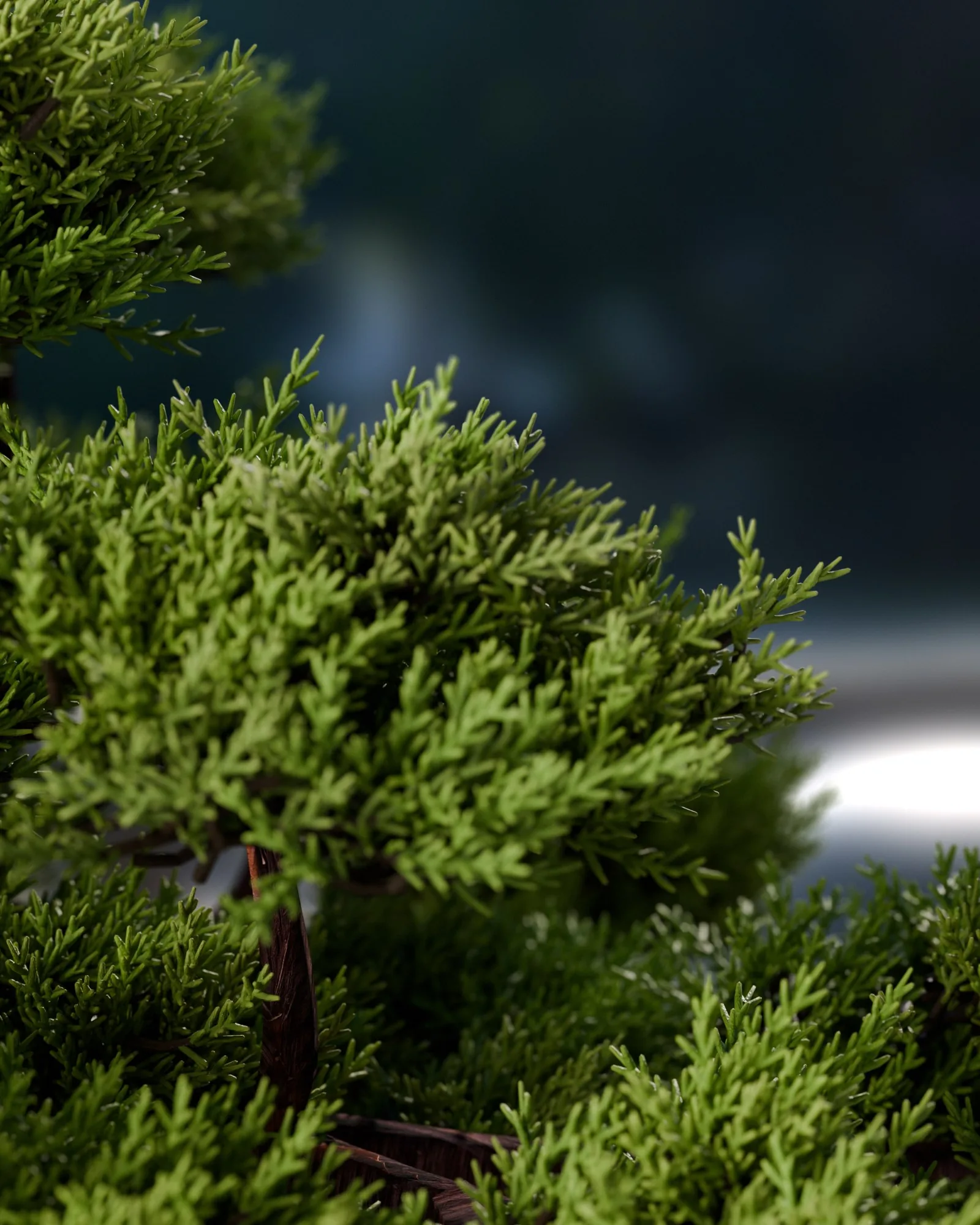
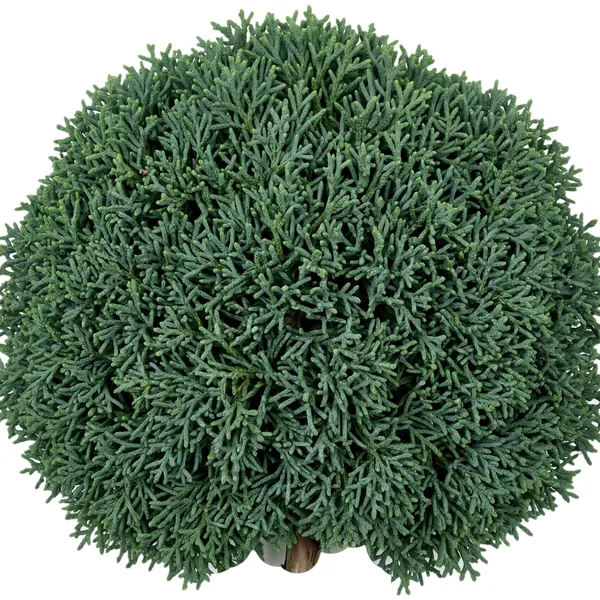
So the foliage got rebuilt as grown 3D geometry. Every twig tip sends out shoots, and each shoot is a stem clothed in round, scale-covered cords. About 2.6 million faces.
"bro it's 100x better again holy shit, just a little too dark"
Missing the sauce
"nah shape is weird"
"nah you are missing the sauce"
"getting there yes we are so close"
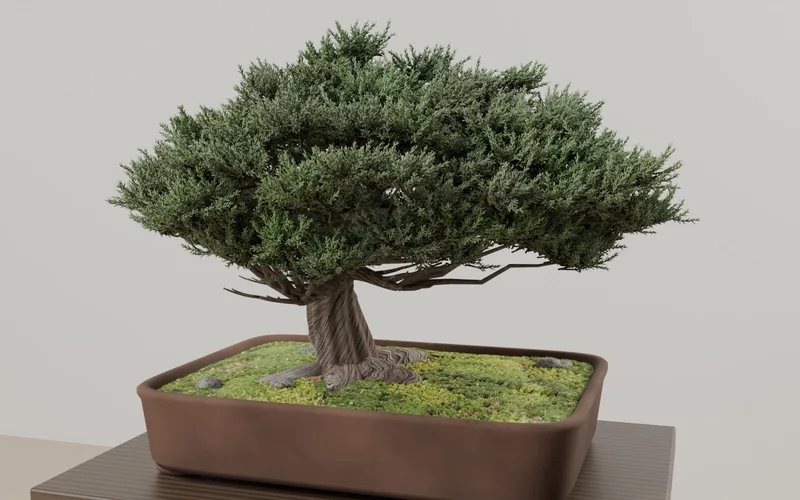
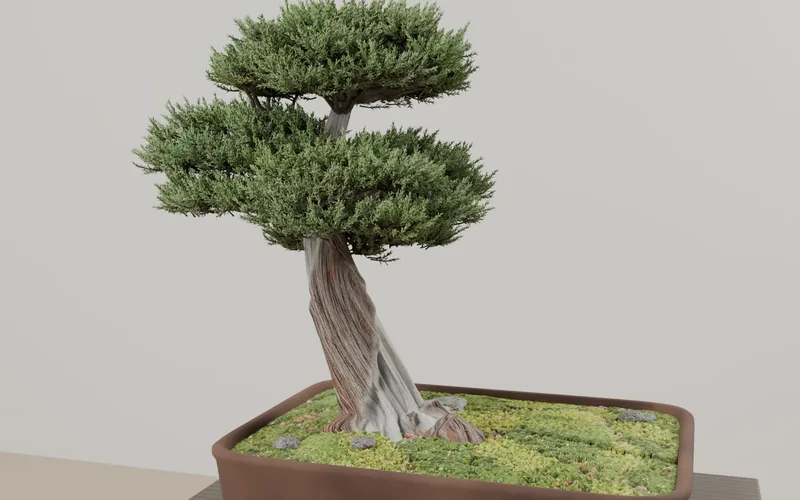
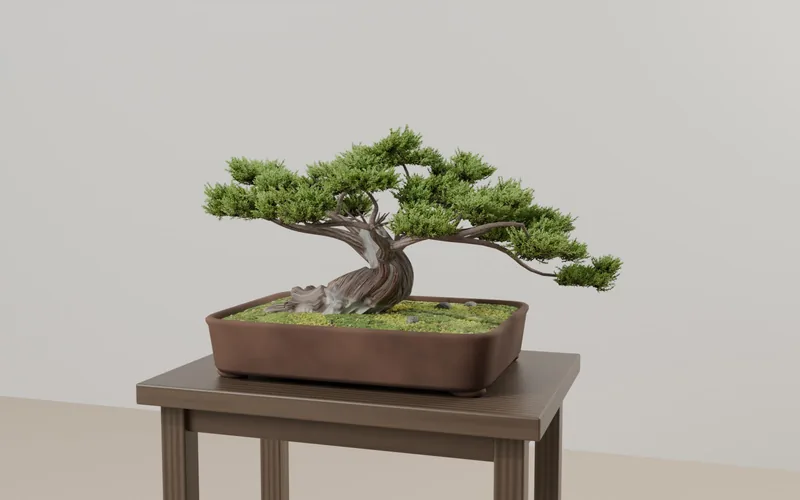
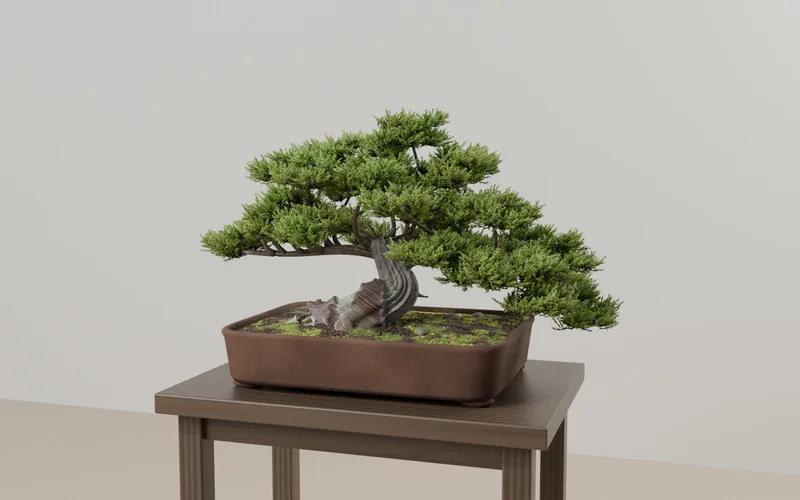
Three tries at matching a reference Shimpaku. The sauce was proportion, not detail. The real tree is a short, thick, contorted trunk with an elbow, under a wide, low, lopsided mound of about 34 separate cloud clumps with dark gaps between them. We kept building a tall trunk under a round dome.
No right angles
"the branches look at some strange almost 90 degree angles"
Real branches leave their parent along the parent's direction and curve toward where they're going. Now every primary, secondary and twig does the same. Random angles read fake instantly.
Give it somewhere to live
"need more interesting background ... for an X post"
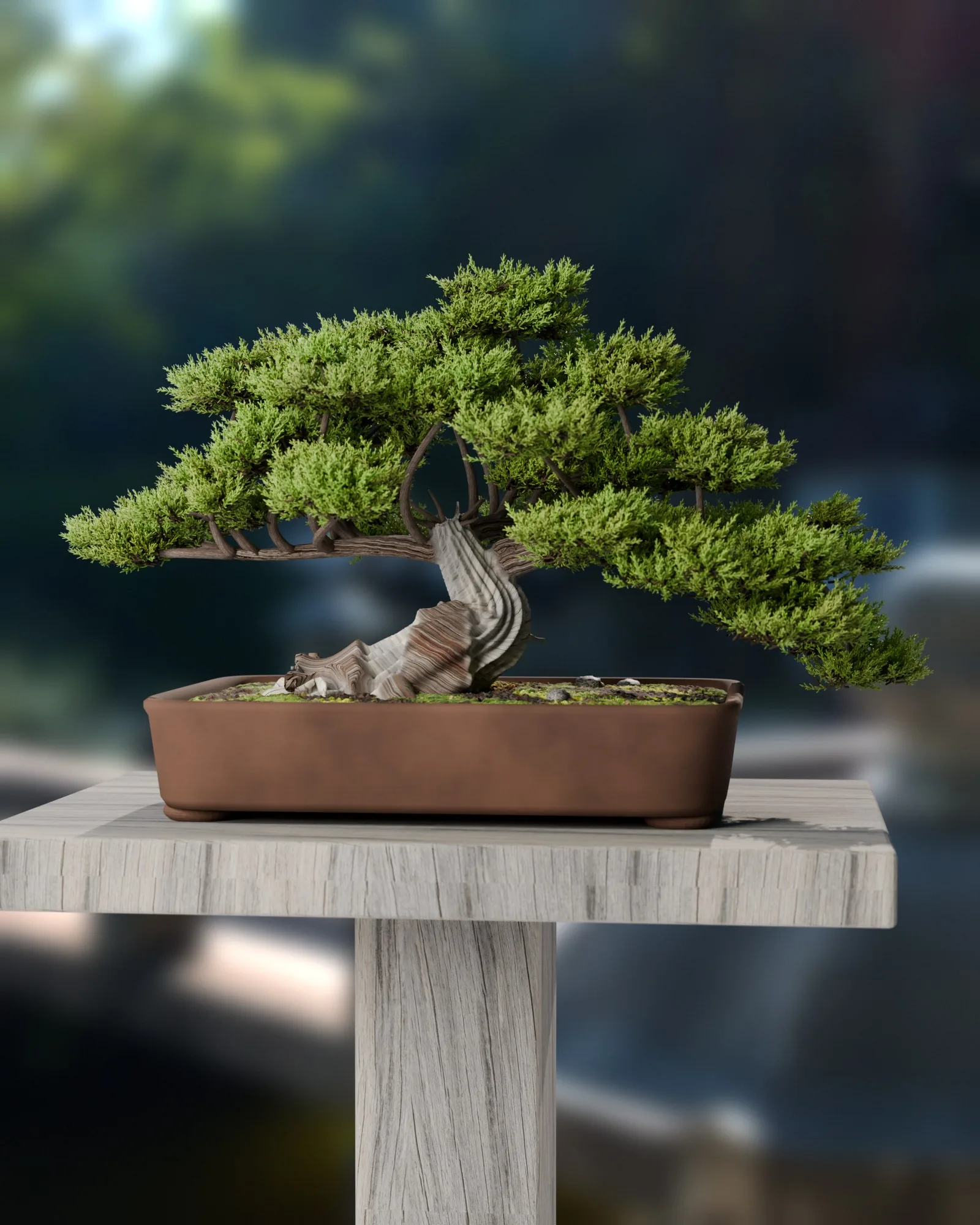
A real garden HDRI, a weathered plank stand, a 70 mm lens and the sun behind as a rim light. Blurring the garden inside the renderer came out as banded blotches, so the tree and background render as separate passes and the blur happens after.
Pot and bark: kill the plastic
"pot looks bad"
"the bark ... comes across as plasticky"
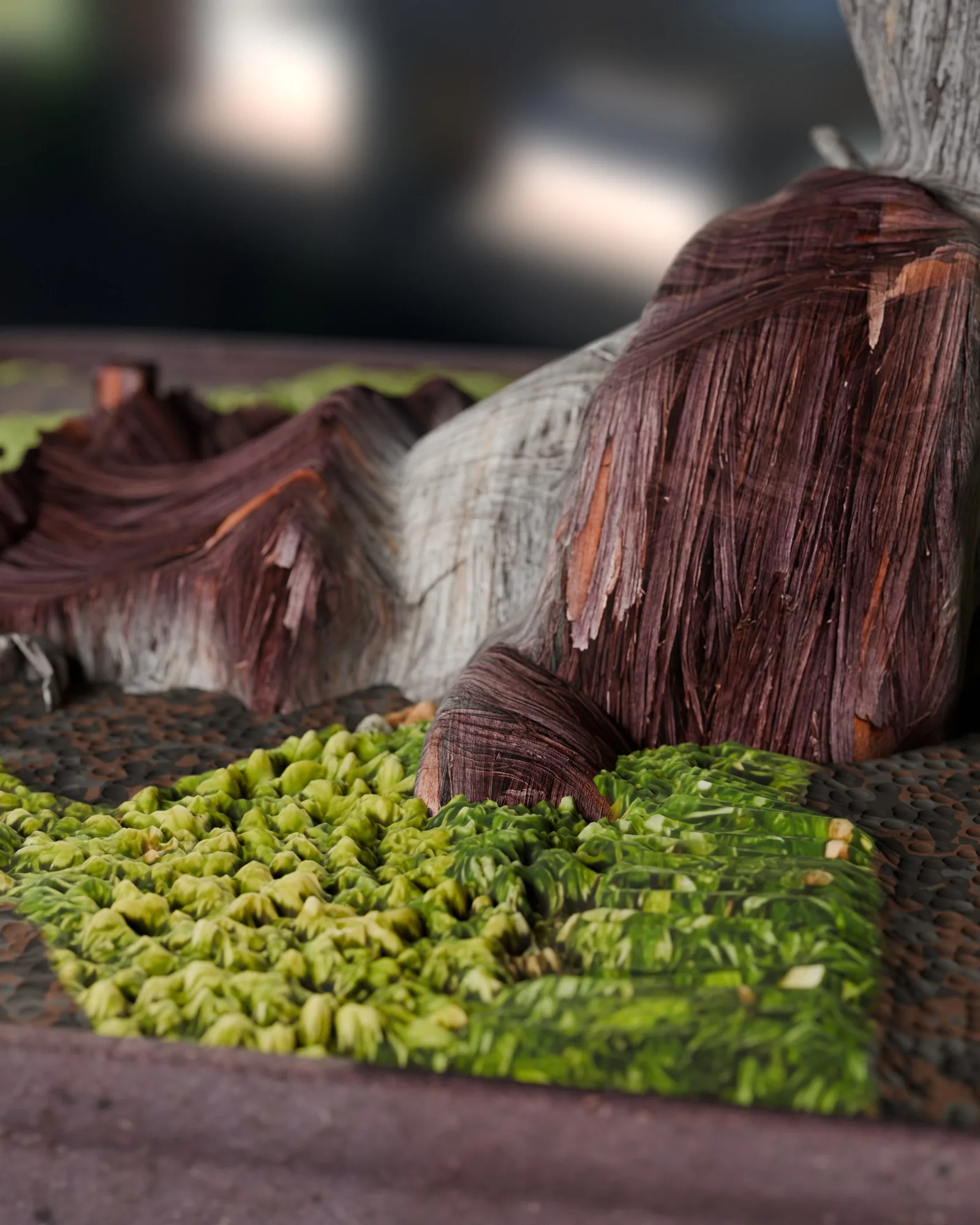
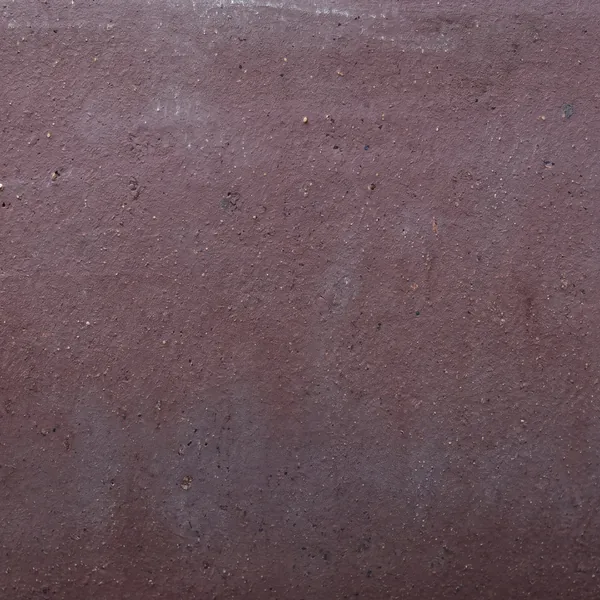
Same lesson twice. The pot became aged, unglazed Tokoname clay from a generated 4K photo texture. The bark became 4K macro textures of stringy peeling bark and bleached deadwood, fully matte, box-projected so they can't stretch. Most "plastic" complaints were just a uniform sheen. Real bark, clay and moss barely reflect.
"the closeups of the bark look spectacular"
Soil, 10x better
"the moss ground and dirt ruins it ... needs to be 10x better to match the bark"
Four passes. First, 24,000 real 3D grit granules: akadama, lava and pumice. Then a smear fixed, then stretched moss fixed.
"no detail at all on the mossy part ... specialize it for a close-up"
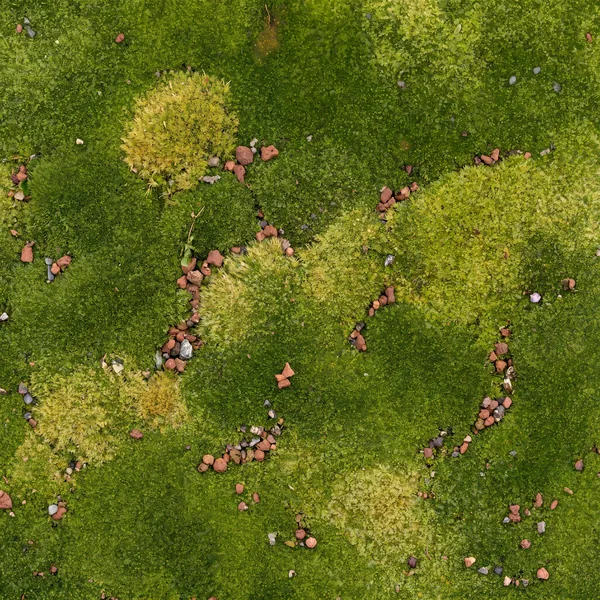
So the moss became 20,000 real shoots, each a stem with 12 spiralling leaves, dark at the base and bright at the tips, clumped into cushions.
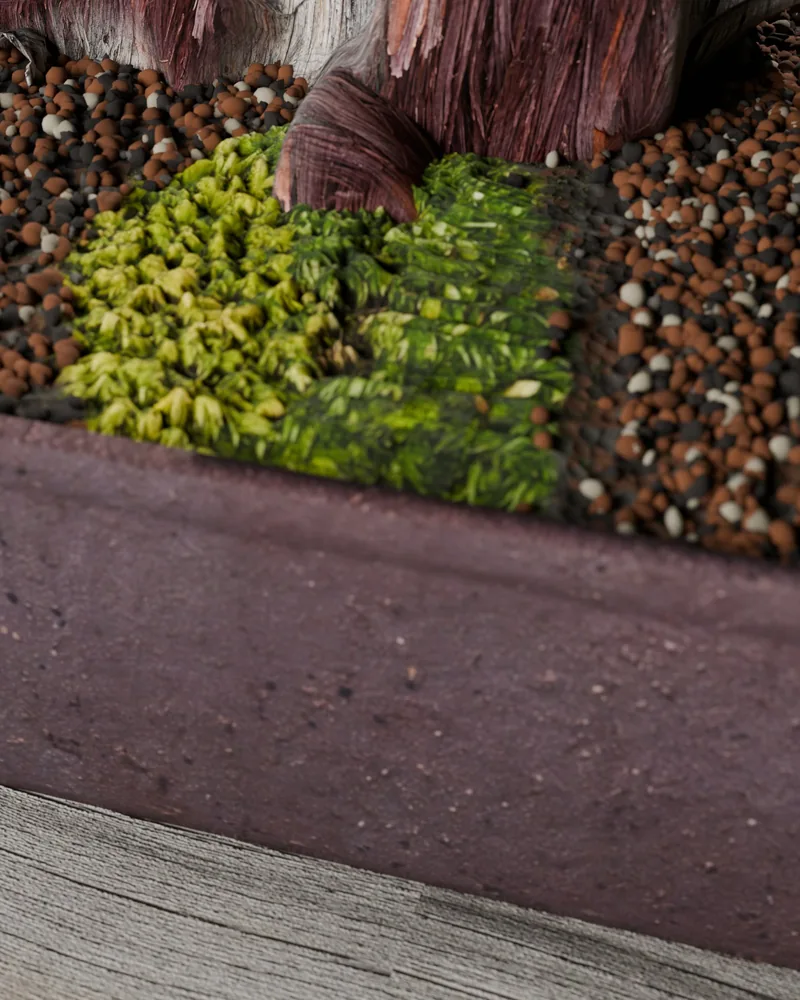
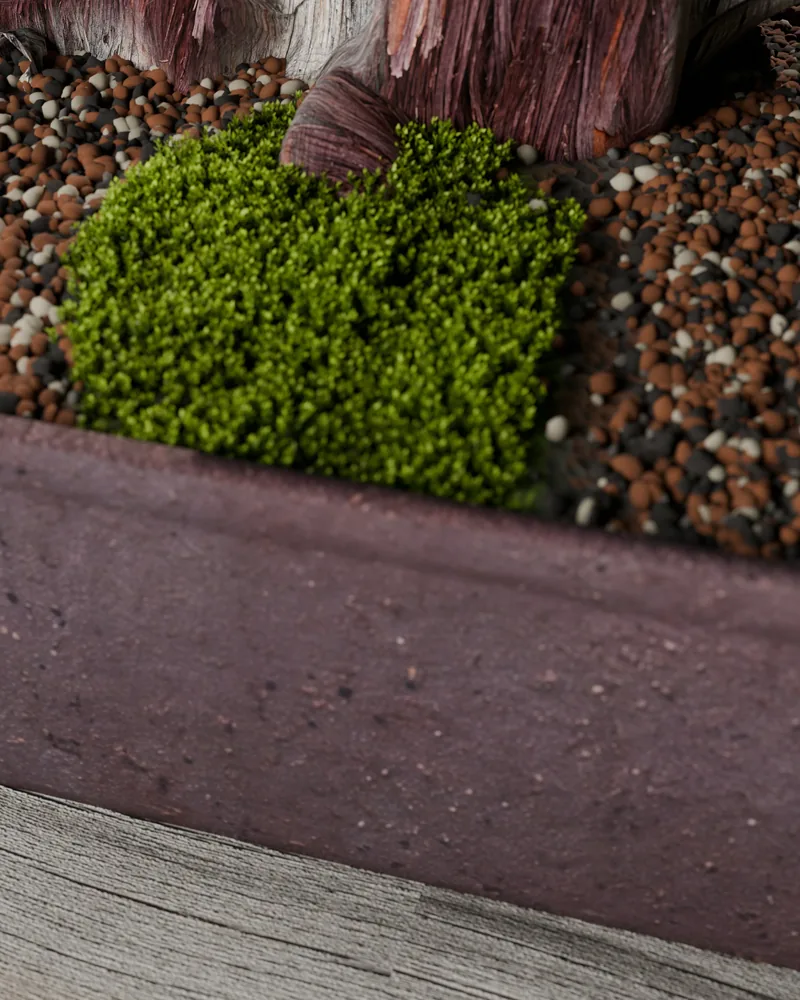
The materials
None of these were painted or bought. Each one started from real reference photos (Wikimedia Commons, licensed, credits kept), went through Gemini's Nano Banana 2 at about ten cents an image, then got cut out or made tileable by a small script.
A few got replaced by real geometry later, and that's fine. Use images until the camera gets close enough that geometry has to take over.
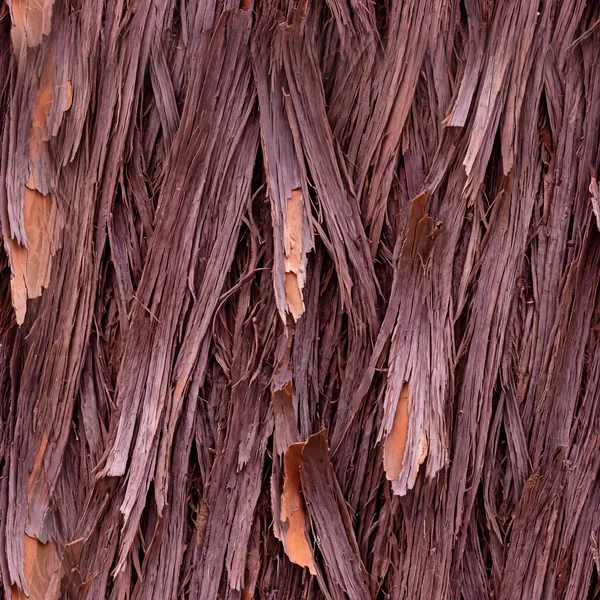
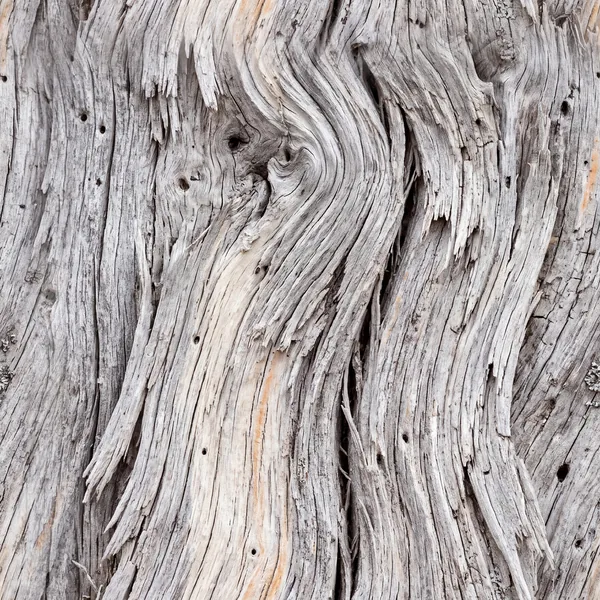
A second tree, same code
Change the seed and the pot, and you get a different juniper. Seed 5 went into a blue glazed pot. I also asked for a red Japanese maple. "your red maple one is ugly." It was. We dropped it.
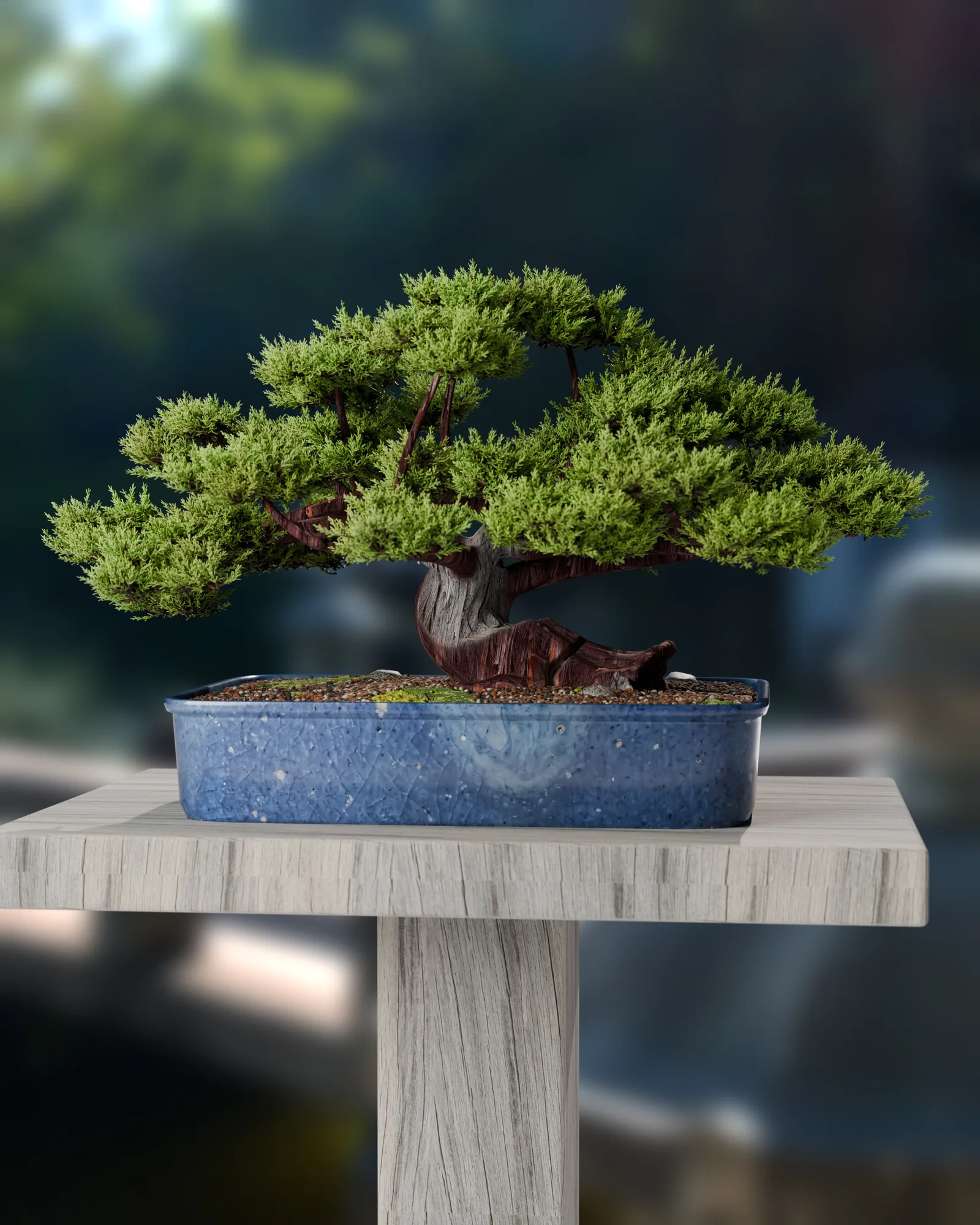
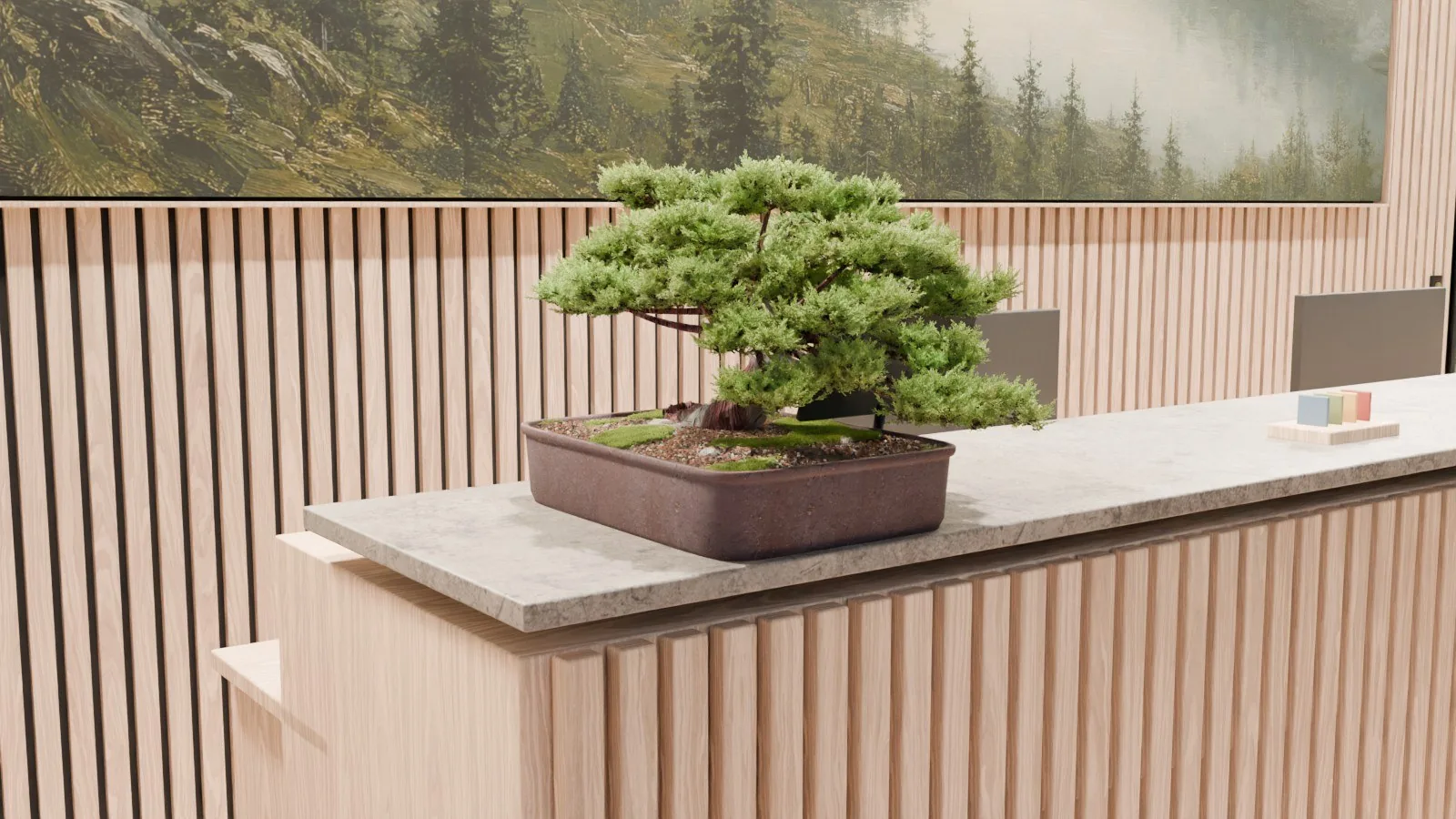
And it has a job. The bonsai sits on the reception desk of The Gym, a Nordic gym in a forest ravine in Norway that I'm designing entirely through conversation with an AI.
What actually made the difference
- Images for surfaces, code for structure.Anything code draws looks drawn. Start every surface from a photo.
- Compare against the real photo, every time.The biggest jumps came the moment a real close-up sat next to ours.
- Find the thing's character first.A bonsai is its wood and its silhouette. Spend the effort there.
- Structure follows growth.Branches curve out of their parent, shoots grow from twig tips. Random scatter reads fake.
- Matte unless you know it's shiny.Most of the "plastic" was a uniform sheen.
- Proportion beats detail.Three rounds of "the shape is weird" were all proportions.
- Plain feedback is enough."weird af," "missing the sauce," "plasticky." Short, honest reactions and fast iterations beat a long spec.
I'm not a 3D artist. I just know what a real tree looks like and I said so, every round, in plain words. That turned out to be enough to get from a pipe with a picture on it to something I'd post. I think that's where this is all going: taste becomes the skill, and the AI does the rest. I'm going to keep pushing it to see how far it goes.